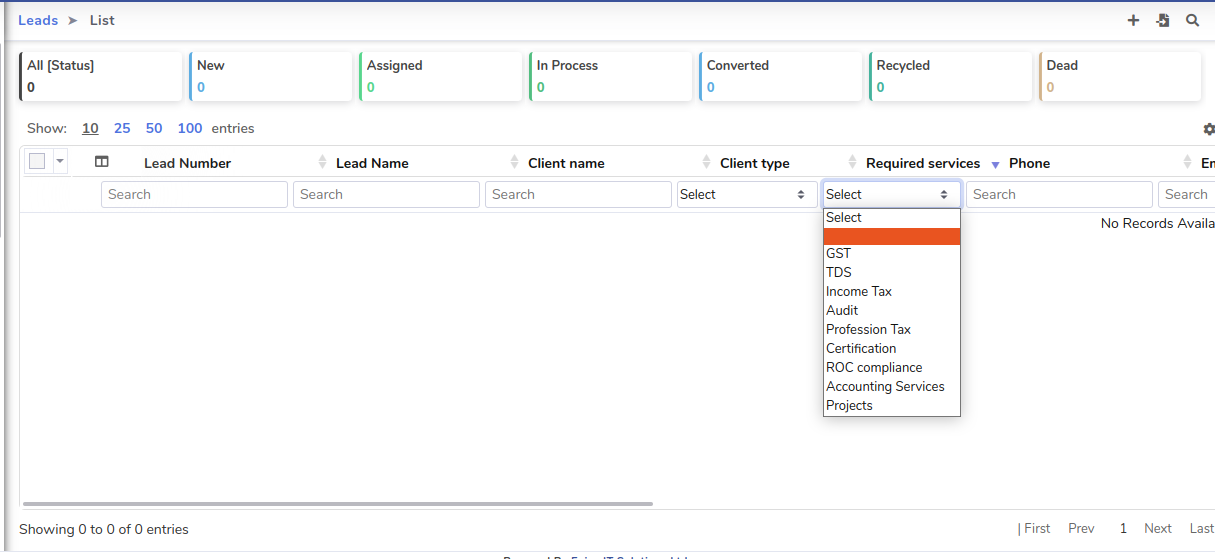
As there is “Task_category” list selected in “Required Services” Field option, you need to add your 10 services into this dropdown list.
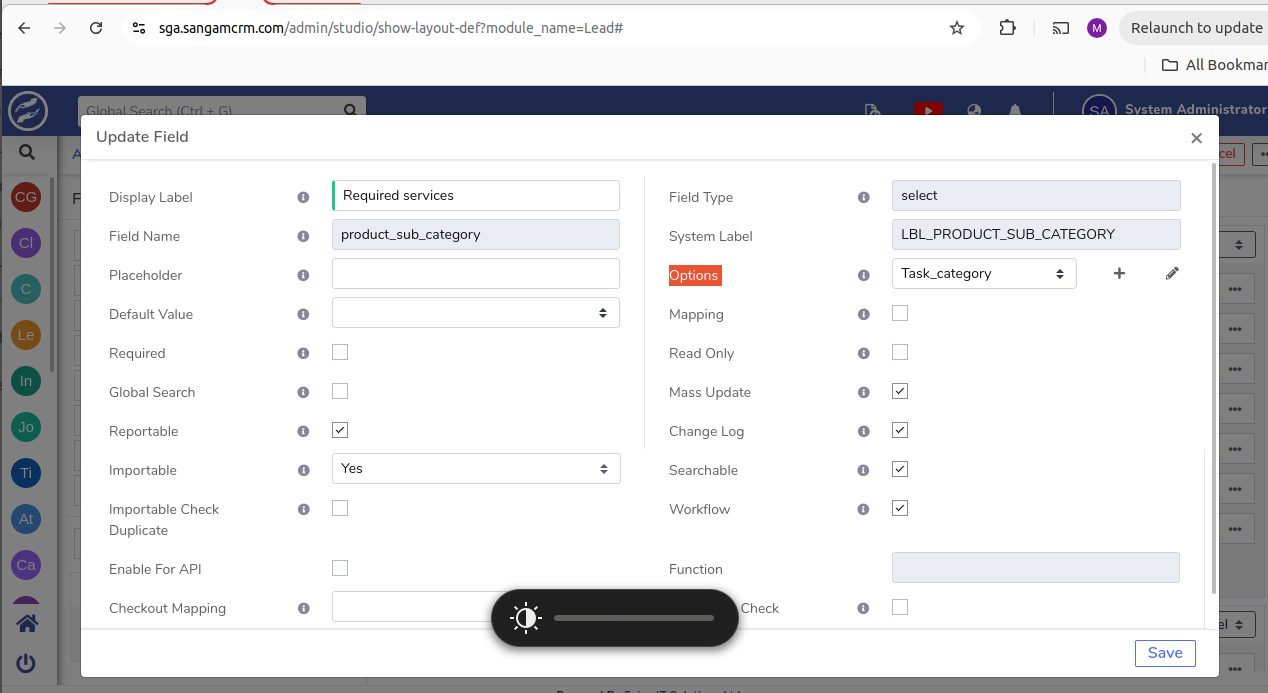
Please follow the steps below to add your services under “Task Category” in the Admin Panel:
- Go to the Admin Panel.
- Navigate to “Dropdown Editor.”
- Search for “Task Category” and click on it.(A popup window will appear)
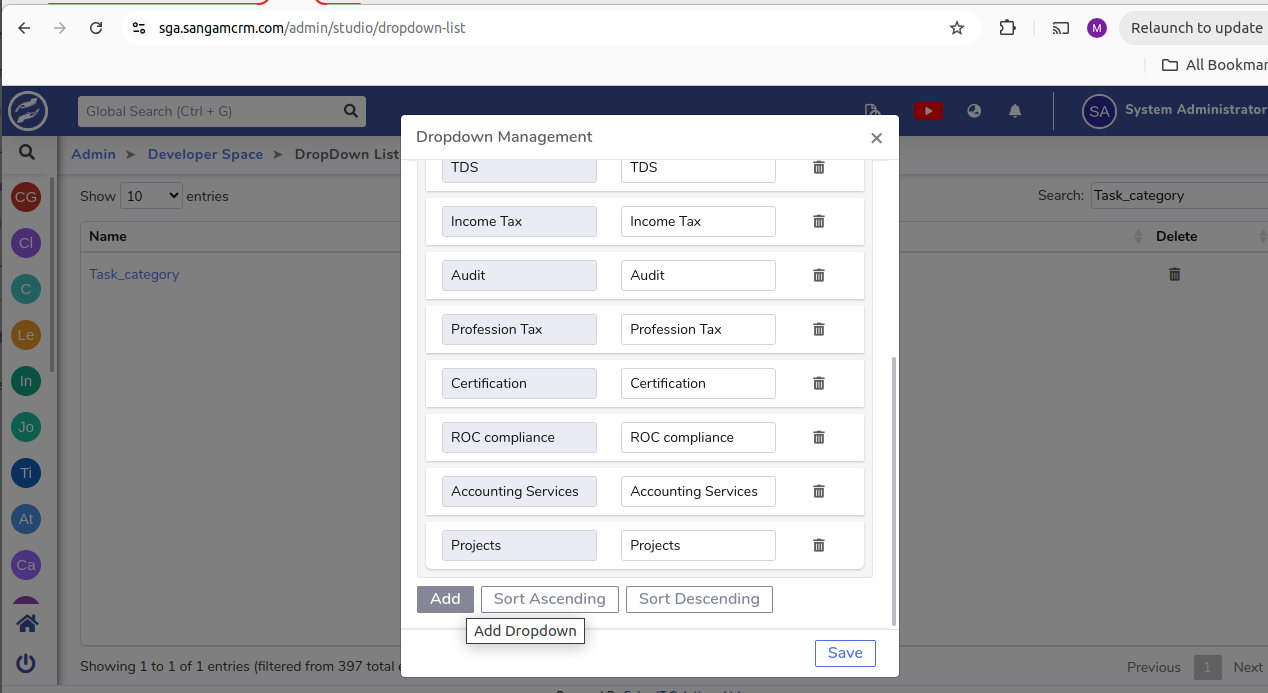
- Click on the “Add” button.
- Add your 10 services to the list.
And you will get all services here :